VoiSistant – AI Voice Assistant

Dictate, get perfect text, and paste it anywhere.

VoiSistant turns your speech into ready‑to‑send text. Record with a hotkey, get clean output refined by your favorite LLM, translate into other languages, and paste the result into any input field in a single step. You can also have text read aloud with expressive, natural Microsoft/OpenAI TTS voices.
Key features
• Lightning‑fast speech‑to‑text with punctuation and smart formatting.
• One‑tap AI cleanup: fix grammar, tone, and style using your chosen LLM.
• Instant translation between multiple languages (English, Italian, Spanish, Russian, and more).
• Paste anywhere: automatically copies refined or translated text to your clipboard and inserts it where you work.
• Provider choice: OpenAI, OpenRouter, Gemini, LM Studio, Ollama — switch anytime.
• Microsoft TTS with natural, expressive voices for lifelike playback.
• Global hotkeys and a compact menu bar UI — always available, never in your way.
• Private by design: run locally for TTS; use cloud only if you enable it.
Why VoiSistant
• Produce polished text from voice in seconds — fewer edits, more flow.
• Keep your workflow: no switching apps, just speak and paste.
• Choose how it sounds and reads with adjustable TTS voices.
Use cases
• Draft and send messages hands‑free, with perfect grammar.
• Translate replies across languages instantly.
• Create notes, tasks, and emails from voice and paste them directly.
• Proofread and tone‑match dictated content with AI.
• Listen to drafts with natural TTS for faster review.


AI Usage Monitor


AI Usage Monitor is the macOS menu bar command center for tracking AI API balances before budgets go sideways. Stay on top of real-time credits from OpenRouter, DeepSeek, Moonshot, Requesty.

Key features:
  • Consolidate live balances across teams, projects, or environments with category dashboards and total rollups.
  • Configure global usage alerts, low-balance notifications, and refresh cadences so finance, ops, and engineering stay aligned.
  • Drill into granular usage with currency-aware formatting, adjustable decimal precision, and instant copy-to-clipboard totals.
  • Secure tokens with Keychain storage.
  • Customize the tray interface with language, font, and visibility controls for a frictionless macOS-native experience.

AI Usage Monitor is built for founders, finance leads, and developers who need proactive insight into AI spending. Replace spreadsheet guesswork with a trustworthy menu bar companion that keeps every credit accounted for.

Download AI Usage Monitor today and eliminate surprise AI invoices.

SmartComment

Smart YouTube Comment Assistant with Artificial Intelligence

Application Features:

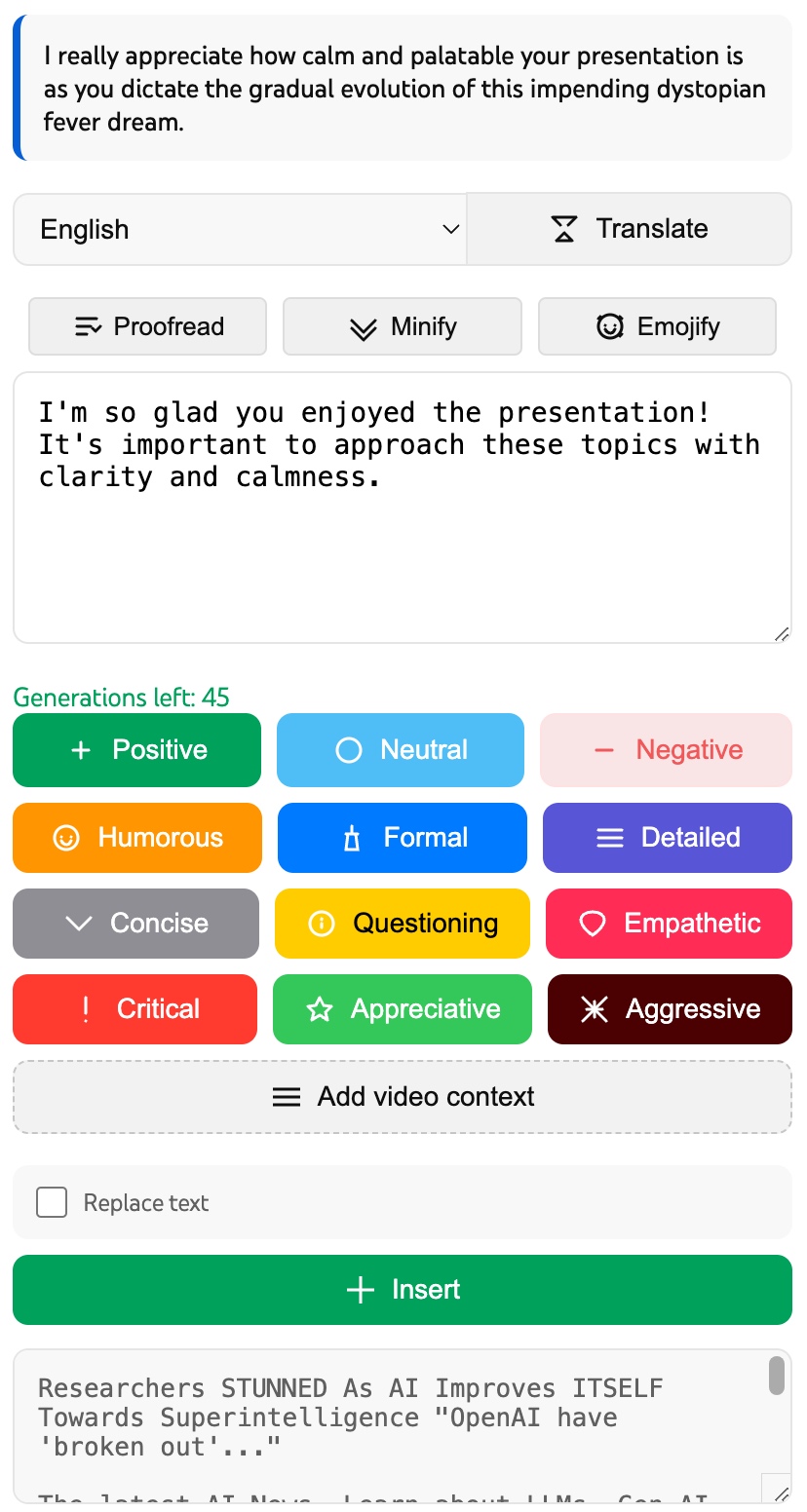
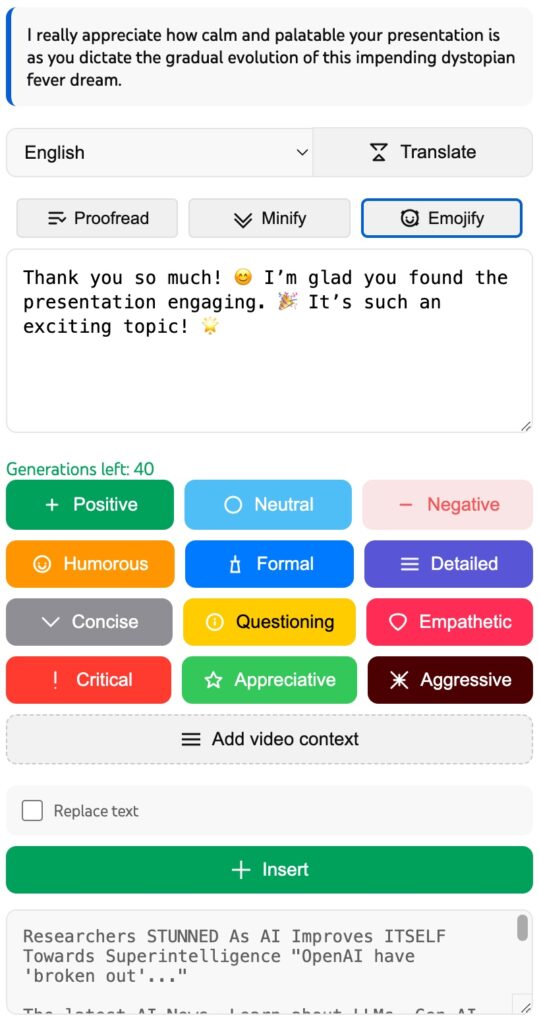
  • Quick Smart Replies – Generate meaningful responses to comments based on the context of the video and the tone of communication, using advanced language models directly in the YouTube interface.
  • Contextual Understanding – Automatically analyze video subtitles to create relevant responses that take into account the content being discussed.
  • Multilingual Support – Automatically detect the language of the comment and generate a response in the corresponding language (English, Russian, Spanish, and others).
  • Ease of Use – Intuitive interface, built directly into YouTube, allows you to generate and post responses with one click.
  • Flexible Configuration – Choose the tone of the response (positive or critical), edit the generated text, and save successful options.
  • Security and Privacy

Daily Motivation

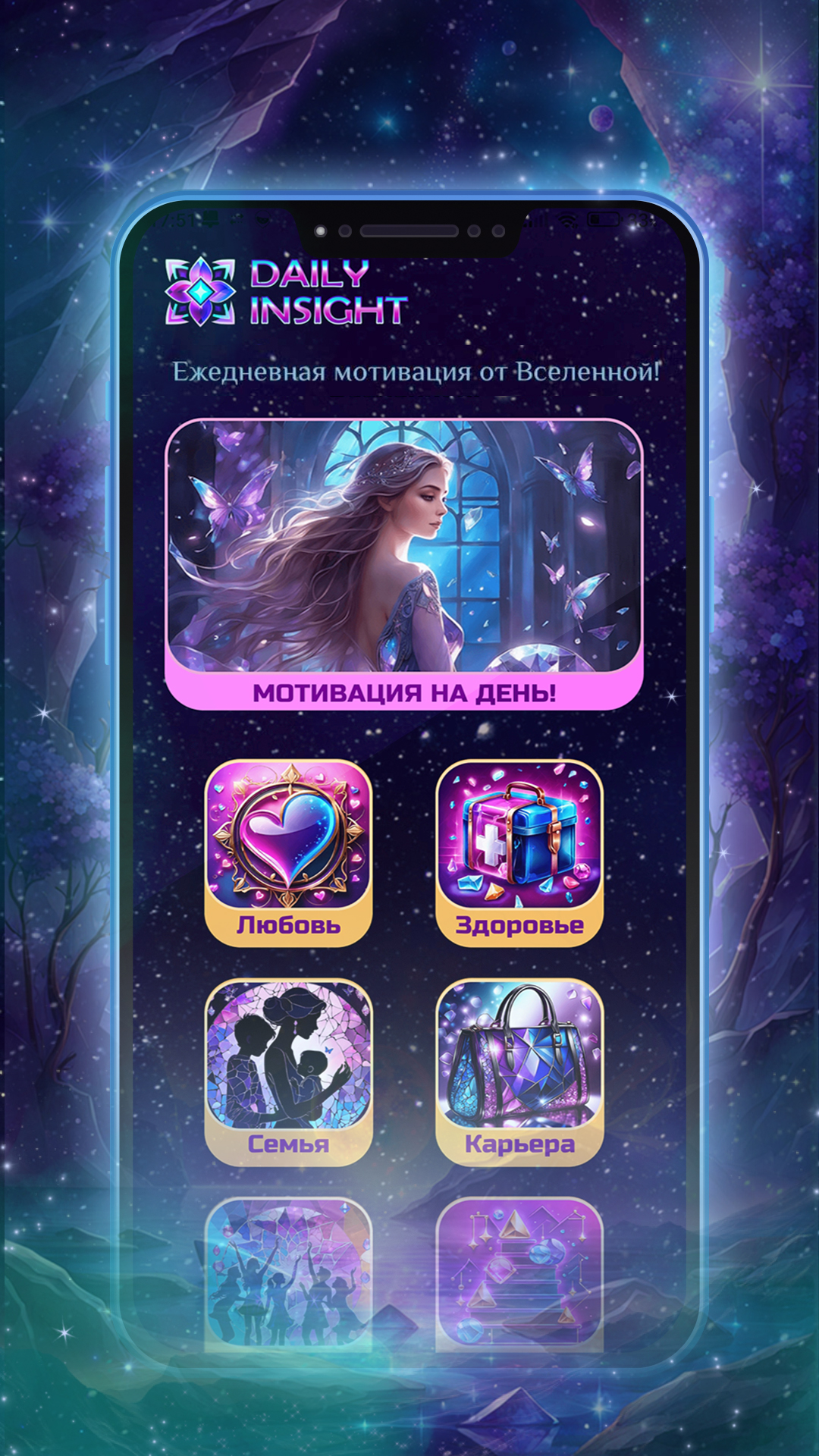
Discover the magic of motivation and inspiring colorful illustrations. The wisdom of the Universe will charge you with positivity every morning!

Application Features:

  • Daily Predictions: Receive motivational predictions for each day in various categories: Love and Relationships, Career and Finance, Health, Self-Development, Friendship, and much more.
  • Visual Inspiration: Immerse yourself in a pleasant atmosphere thanks to the colorful prediction cards.
  • Share Inspiration: Share your predictions and moments of inspiration with friends on social networks directly from the application.
With “Daily Insight” every day becomes a step towards a better version of yourself.

Download our application for free right now and find a source of inspiration for every day!

Simple Volume Booster


Chrome Extension. Boost volume and adjust EQ per tab for HTML5 audio/video.

Application Features:

  • Massive Volume Boost: Increase the volume of HTML5 audio and video up to 600%. Perfect for quiet recordings or noisy environments.
  • Per-Tab Settings: Volume level and equalizer settings are automatically saved and restored for each specific tab. Switch between tabs, and your audio settings follow!
  • 5-Band Equalizer: Precisely adjust the sound profile with sliders for key frequencies (60Hz, 230Hz, 910Hz, 3.5KHz, 14KHz). See the exact dB change for each band.
  • EQ Presets: Quickly apply popular sound profiles like Bass Boost, Vocal Boost, Rock, Pop, Jazz, Electronic, and more with a single click.
  • Custom Profile: Tweak the sliders manually to create your perfect sound – the preset dropdown will automatically switch to “Custom”.
  • Web Audio API Powered: Utilizes the standard Web Audio API for high-quality audio processing without compromising performance.
  • New Video / Audio player support added (rezka, ex-fs….)

LinkedIn AI Message Assistant

Revolutionize your LinkedIn communication with advanced AI technology! LinkedIn AI Message Assistant is your intelligent assistant for creating perfect professional messages.

✨ KEY FEATURES:

  • Smart message composition – AI-powered prompts for creating effective messages
  • Multilingual support – Confident communication without language barriers
  • Contextual replies – Generation of relevant responses based on the conversation history
  • Optimization of professional tone – Maintaining the correct business style of communication
  • Real-time help – Instant prompts while typing messages

🎯 PERFECT FOR: •

  • Professionals expanding their network of contacts
  • Recruiters contacting candidates
  • Sales managers communicating with potential customers
  • Job seekers creating messages for introductions
  • Business developers maintaining relationships with clients

© 2023 TrendsLab. All Rights Reserved
E-mail: admin@trendslab.com